
Home Lab
Home Lab Part 1:
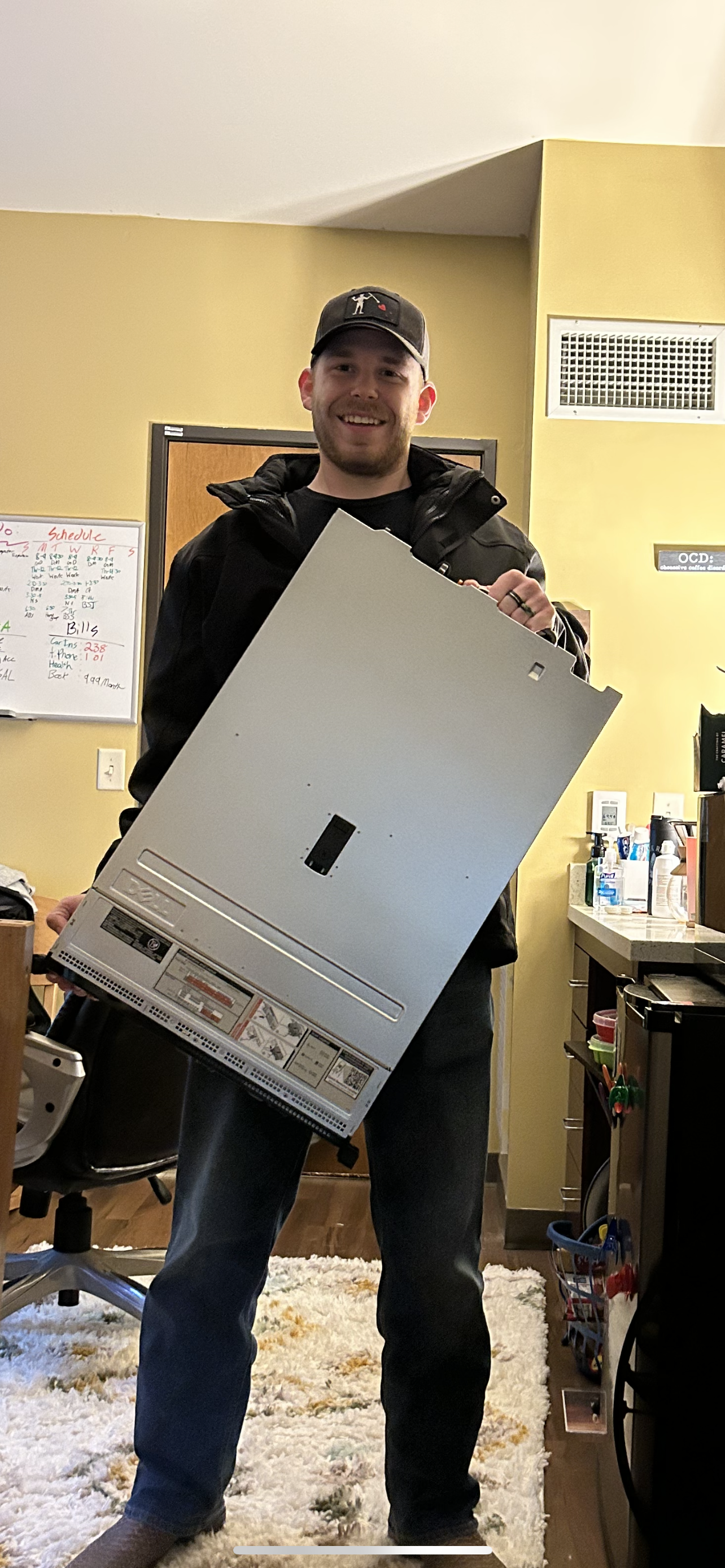
Overview
This document outlines the initial setup and configuration of my homelab environment. The primary objective was to bring a Dell PowerEdge R730 online and deploy Proxmox VE as the base hypervisor. Due to a delayed start in documenting this process, some minor details are omitted; however, all key technical steps and issues encountered are captured.Hardware
- Server: Dell PowerEdge R730
- Access Method: Local console (VGA) and iDRAC
- Network: Direct Ethernet connection during initial setup
Hypervisor Installation
The first step was installing Proxmox VE, a Type 1 (bare-metal) hypervisor, on the R730. While the installation process itself is straightforward, several hardware and network-related challenges were encountered early on.Console Access Issue
The server’s only display output is VGA. Initially, I attempted to use a VGA-to-DisplayPort adapter with a modern 34" monitor, which failed to produce a display signal. To resolve this, I sourced a native VGA monitor and cable, allowing successful local console access. Once connected, I attached a keyboard and mouse and accessed the system BIOS and iDRAC configuration to begin the imaging process.Boot Configuration and Proxmox Installation
- Configured the system boot order to prioritize the USB device containing the Proxmox installation image
- Rebooted the server and initiated the Proxmox installer
- Followed on-screen prompts until installation completion
- Noted the assigned IP address for web-based management access
Initial Network Access
After installation, Proxmox requires access via its web-based GUI. I connected the server directly to my workstation via Ethernet and attempted to access the management interface using the assigned IP address. This attempt failed due to both systems not being on the same subnet. To resolve this, I manually configured my workstation’s network settings:- Server IP:
192.168.0.2 - Workstation IP:
192.168.0.3 - Gateway:
192.168.0.1
External Access and Cloudflare Attempt
After validating the installation, I attempted to expose the Proxmox management interface for remote access using Cloudflare. During this process, I encountered issues identifying the correct Proxmox kernel version required for compatibility. After identifying the correct kernel via documentation, I attempted to run the necessary commands, which failed due to the server lacking outbound internet access. Further investigation revealed incomplete network configuration. While troubleshooting the network settings, I mistakenly removed the active IP configuration from the management interface, resulting in complete loss of remote access to the server.Current Status and Next Steps
At this stage, the Proxmox host is inaccessible and requires local intervention to restore network connectivity. Given the time investment required to recover the configuration, I am evaluating an alternative approach:- Reinstalling the system with Ubuntu Server
- Deploying workloads using Docker instead of a hypervisor-based model